UI/UX Design.
BHS One — Company Intranet.
Project Overview: Brown Harris Stevens is a luxury residential real estate brokerage with agents and employees working across multiple departments, offices, and markets.
BHS One was designed as a centralized intranet platform that brings essential company resources, internal communications, business tools, and everyday workflows into one connected experience.
As the lead UX/UI designer, I was responsible for shaping the platform's user experience and interface design, from understanding user needs and organizing information to designing the individual features and workflows.
Working alongside the design and development teams, I focused on creating an intuitive, consistent experience that could support different user needs while maintaining a unified product.
UX Principles Used: UX research, information architecture, UX/UI design, prototyping, and design collaboration
Application Used: Figma
My Role.
Leading the design of a connected internal experience.
I led the UX/UI design of BHS One, working to understand the needs of agents and employees and translate those needs into a centralized, easy-to-navigate platform.
My responsibilities spanned research and discovery through interface design, information architecture, and the development of key user experiences. I focused on organizing a broad range of internal tools and resources into a consistent experience that supports the different workflows across the company.
The design approach emphasized usability, accessibility, and clear navigation, ensuring employees could efficiently find information, submit requests, and manage everyday tasks from one place.

UX RESEARCH & DISCOVERY.
Understanding Diverse User Needs
Research and discovery helped establish how agents and employees interact with the company's internal systems, identify common workflows, and understand opportunities to improve the overall experience.
The goal was to bring fragmented tools and resources into one centralized platform while creating clear pathways for users with different roles and responsibilities.
User Workflows
Explored how agents and employees interact with internal tools, access company resources, and complete everyday tasks across the organization.
01 / Understanding User Workflows
Internal Resources
Reviewed the range of company tools, documents, services, and information to identify opportunities to create a more centralized experience.
02 / CENTRALIZING INTERNAL RESOURCES
Finding: Multiple tools, fragmented experiences
Company information, documents, marketing materials, listing tools, and educational resources serve different purposes but are all essential to the employee experience.
Design Opportunity
Organize internal resources into clear categories within a unified platform, making it easier for users to discover, access, and navigate the services they need.
Request Management
Examined the marketing request experience, from submitting requests and providing details to tracking updates and communicating with internal teams.
03 / IMPROVING REQUEST VISIBILITY
Finding: Requests require visibility and coordination
Marketing requests involve multiple steps, from initial submission and review to status updates, file sharing, and communication between teams.
Design Opportunity
Create a more transparent request management experience with clear status indicators, activity updates, attachments, and sharing capabilities—helping agents and internal teams stay informed throughout the process.
Finding: Different needs, one connected experience
Agents and employees rely on a variety of internal resources to manage their day-to-day responsibilities. Without a clear, centralized experience, finding the right tools and information can become unnecessarily complicated.
Design Opportunity
Create an intuitive dashboard and structured navigation that bring frequently used tools, company information, and resources together in one accessible destination.
Design Approach
The design approach focused on clarity, scalability, and usability—balancing a refined, luxury aesthetic with powerful, tech‑forward functionality. Every decision was guided by how brokers, clients, and the broader real estate ecosystem interact with the product today, while ensuring the platform can evolve with future needs.
Key Features & Capabilities
-
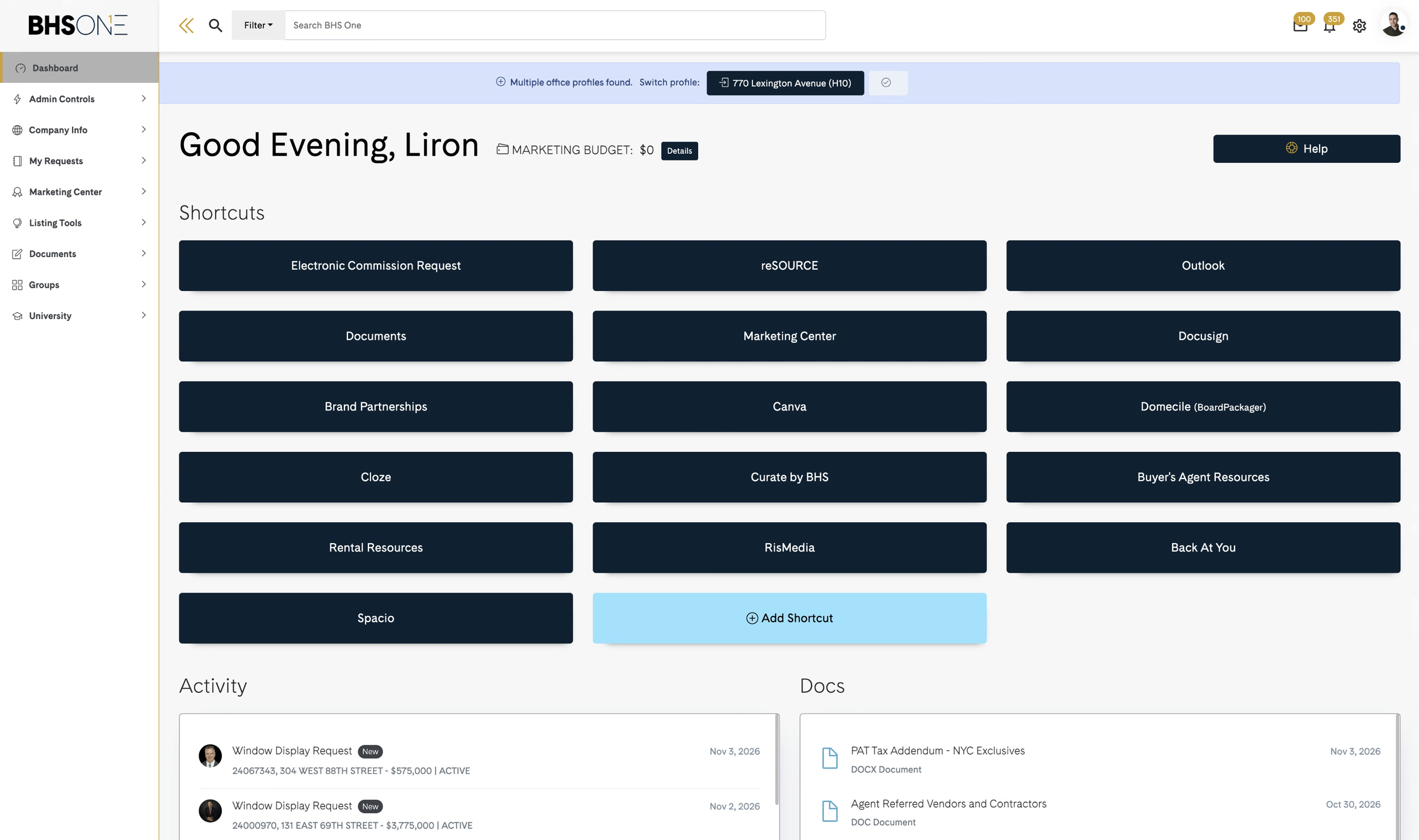
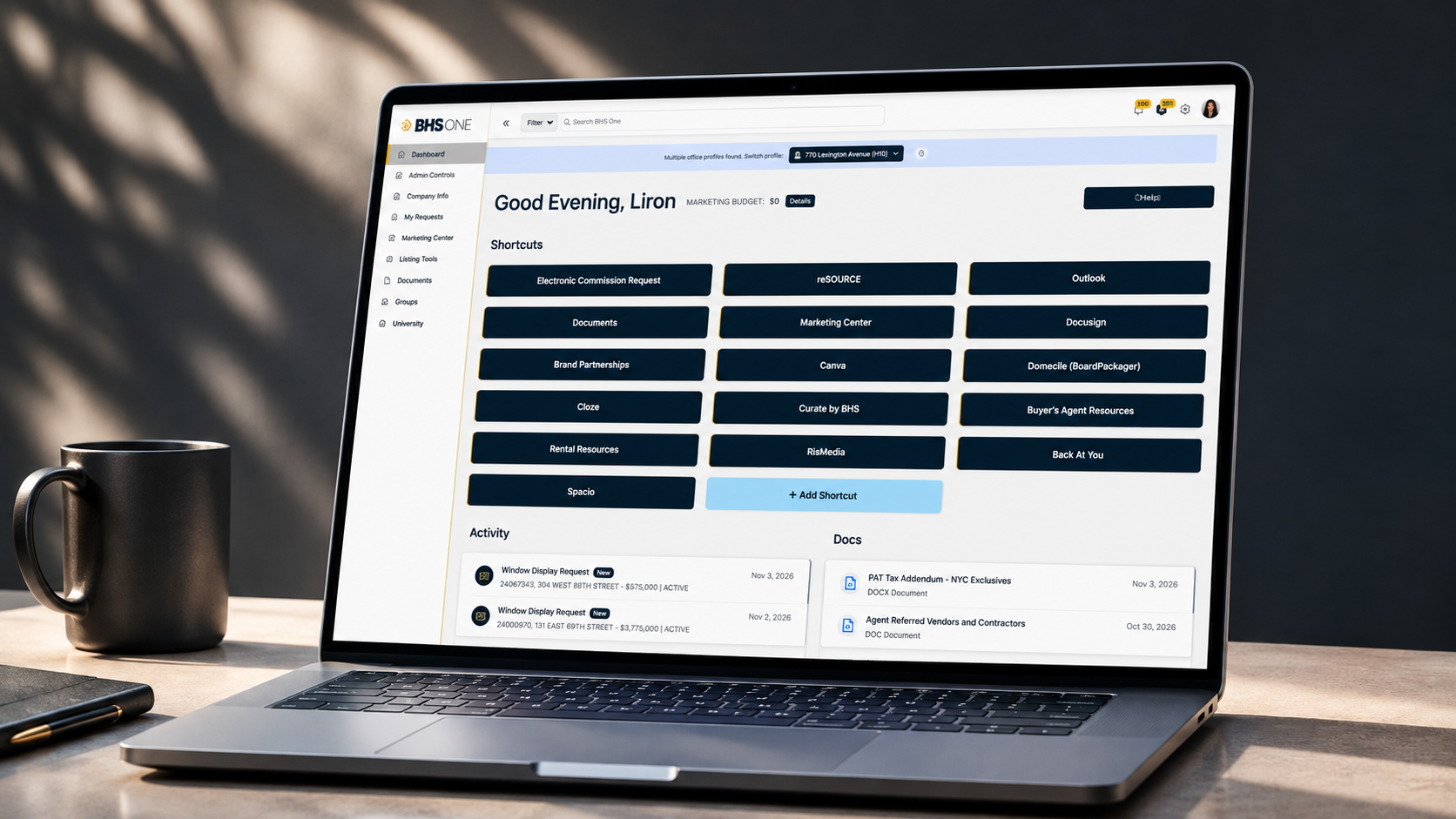
A personalized dashboard that provides access to frequently used tools, company resources, and important activity.
The shortcut-based layout gives users a central starting point for navigating the platform and accessing everyday services.
-
A hierarchical navigation system organizes the platform's core areas, including company information, requests, marketing, listing tools, documents, groups, and university resources.
Expandable navigation categories provide access to deeper sections without overwhelming the main interface.
-
A centralized marketing hub that allows agents to access marketing services and submit requests for materials and support.
The experience organizes digital and print resources, templates, and request types into an accessible service area.
-
A connected request-management experience that allows marketing teams to review incoming requests, access submitted information, and manage their progress.
Users can communicate through updates, change request statuses, review attachments, and share requests with other users or account queues.
-
Item descriptionA centralized notification and messaging experience that keeps users informed about request activity, responses, and important updates.
Notification indicators provide visibility into new messages and alerts directly from the platform's main navigation.
-
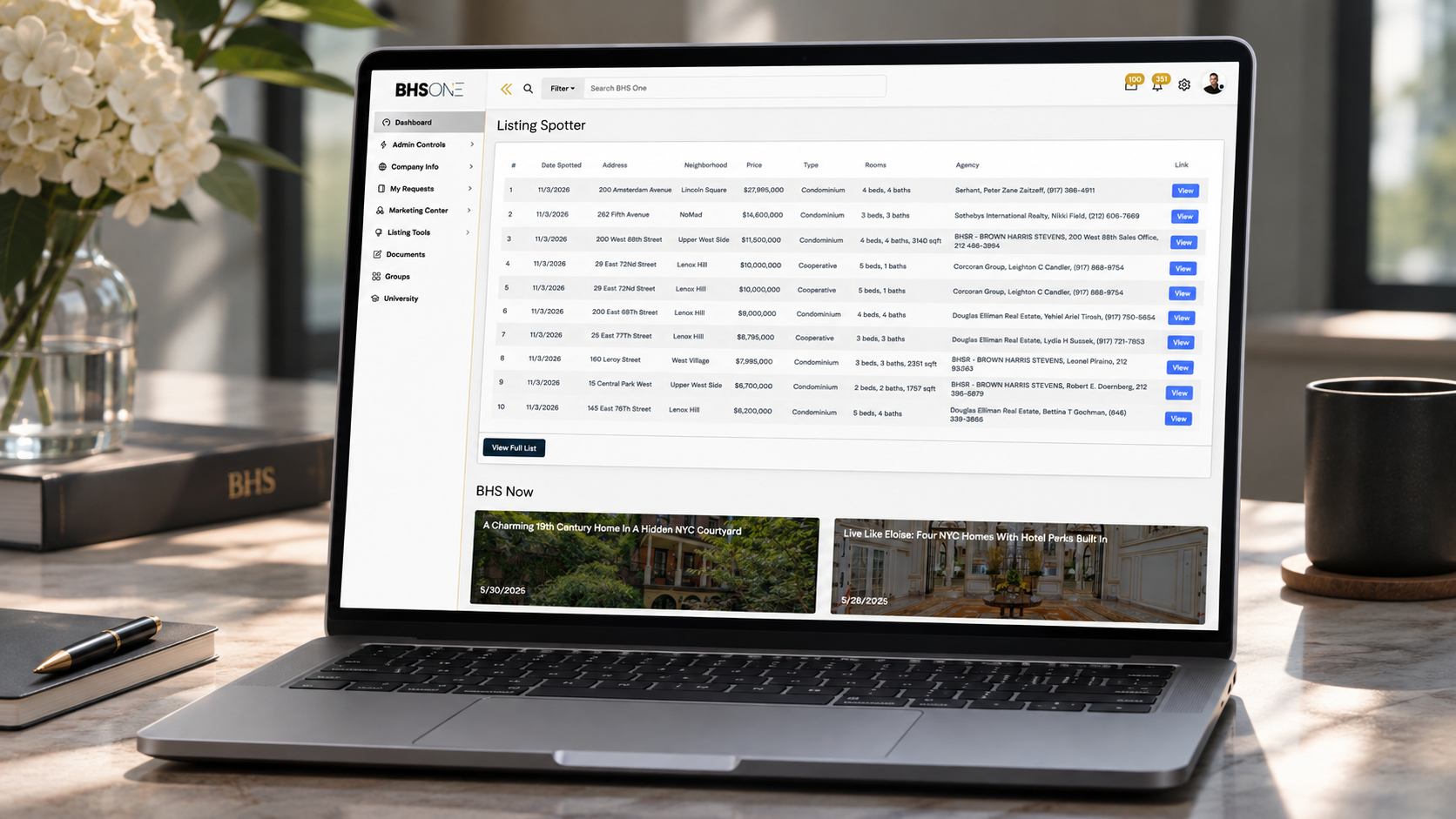
A collection of internal resources that support agents in their daily activities, including Listing Spotter, company documents, and other business tools.
-
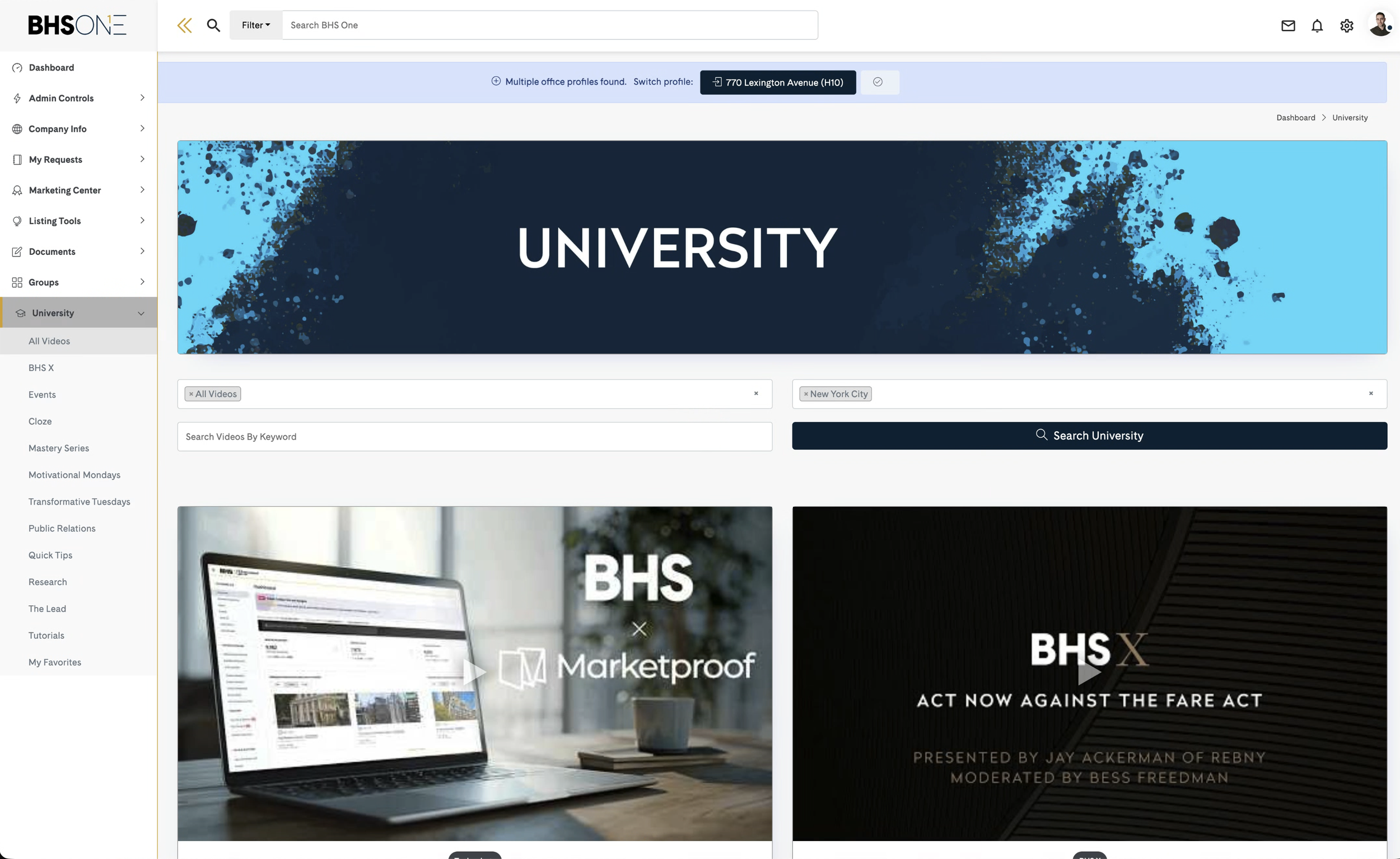
A dedicated learning area that provides access to company videos, educational resources, training materials, and internal content.Item description